02 · IN YOUR LANGUAGE
Translate & explain.
Beside the original.
Choose your help language and circle a German word, task or paragraph. The card shows the translation and context beside the selected passage and stays saved there.
Download free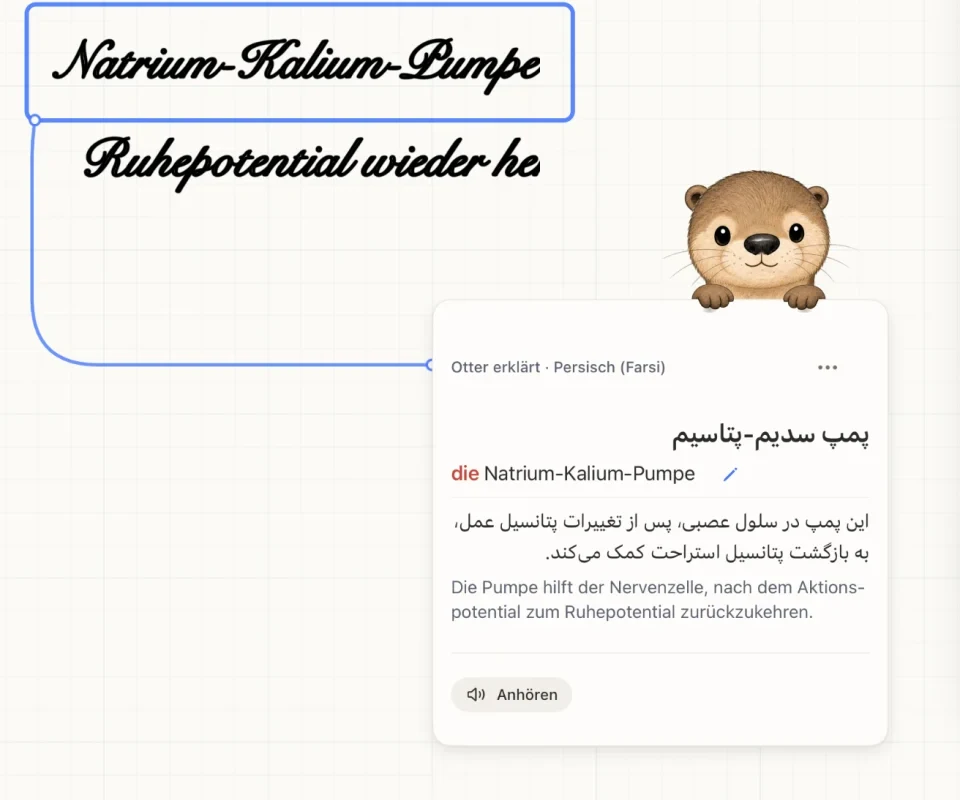
How it works
- Open the otter

Tap “Otter hilft” (Otter helps) and choose “Übersetzen & erklären” (Translate & explain).
- Choose a help language
Choose the language Otriva should use to explain the German passage. You can change it later.
- Circle the passage

Circle a word, an instruction or a whole paragraph with Apple Pencil.
- Check the card
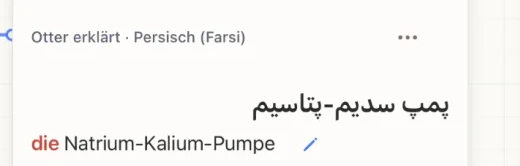
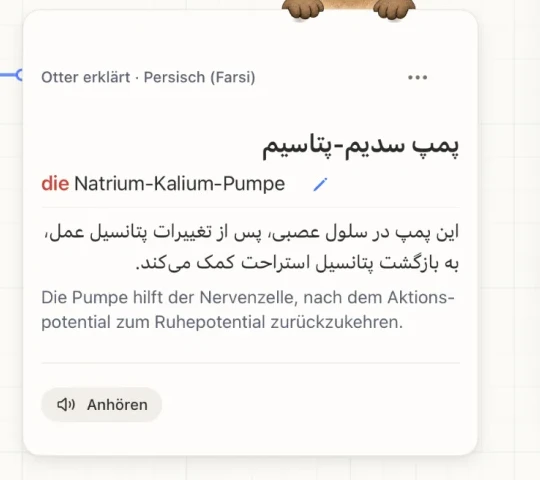
Read the translation, German expression and explanation beside the original. Check technical terms against your material.
 12345
AN EXAMPLE FROM BIOLOGY
What’s on the card
- Translation in your language
- German word with its article – “die Natrium-Kalium-Pumpe”
- Explanation in context, in your language
- Simple German – to compare with the original
- Listen – hear how the word sounds
For tasks, the card explains what is being asked and offers German sentence starters. You write the solution yourself.
Good to know
Simple GermanEnglishArabicFrenchPolishRussianSpanishTurkishUkrainianRomanianPersianAlbanianDariKurdish (Kurmanji, Sorani)
A basic translation works offline if the Apple language pack is installed. The full card needs internet access.
500 a month with Plus. Language support shares the allowance with the otter’s other answers.
Otriva helps you understand the task – you write the answer yourself.
Frequently asked questions
What does the card show for a single word?
The translation in your help language, the German word – with its article for nouns –, an explanation in context, a simple-German version and pronunciation.
Can I compare different phrasings?
Yes. You can read German words and sentences beside their translation, for example in English, French or Spanish. The German original stays in your notebook.
Does the help language change the app’s language?
No. The starting point is German words and texts. Your help language does not change the language of the app interface; that follows your device language (English or German).
Are the translations always right?
Translations and AI explanations can contain mistakes, especially with technical terms. Check important passages against your materials. More on processing in the privacy policy (German).